5.3. Table Units and Precision
Data that is shown in the Calibration module or saved to a file must obey the precision guidelines that follow:
- Primary or Secondary Units (Real): The application shows primary and secondary units with two decimal places (e.g., 0.01), but exports them with six decimal places (e.g., 0.001234) for full precision.
- Counts (Integer): The application shows counts as whole numbers with no decimal places.
- Scientific Notation: To keep the data easy to read, the application uses scientific notation for values smaller than 0.000001 or larger than 999999. For example, 0.0000001 is shown as
1e-7.
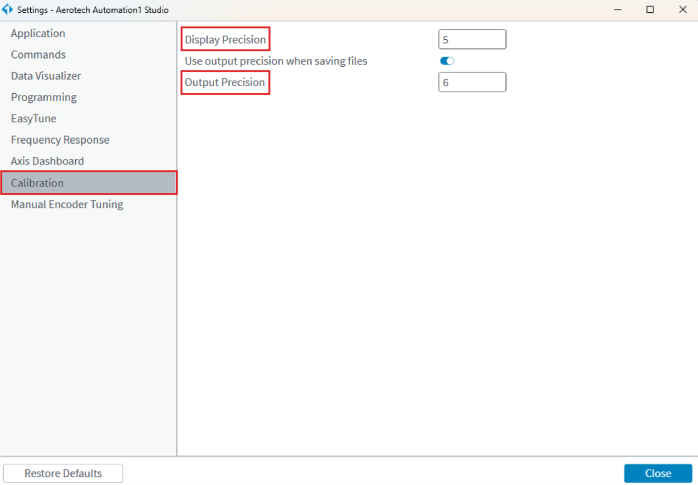
Tip: To change the Display Precision and Output Precision of a calibration table, use the Settings dialog in Automation1 Studio.
How to access the Settings dialog
- Click the Gear button
 in Automation1 Studio.
 - In the Settings dialog, select the Calibration tab.
 Figure: Calibration Settings in